Guide Page 2
New Thread
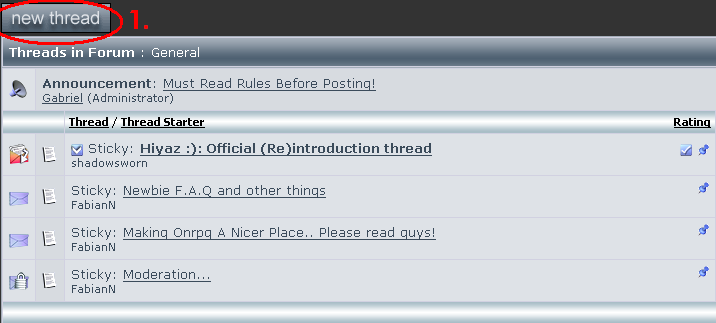
All you have to do is click the "New Thread" botton on the top of the forum. Then follow the directions on Posting.
(The next part of the guide)
(The next part of the guide)
Posting
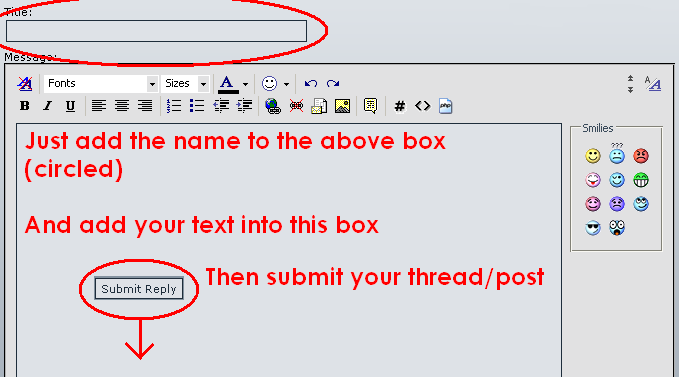
First click "New Reply" (unless your making a thread" then add a title to yor post/thread. Second change color or font if needed. Third type your text or add your picture. And last when your done click the "Submit" botton on the bottum of the page.